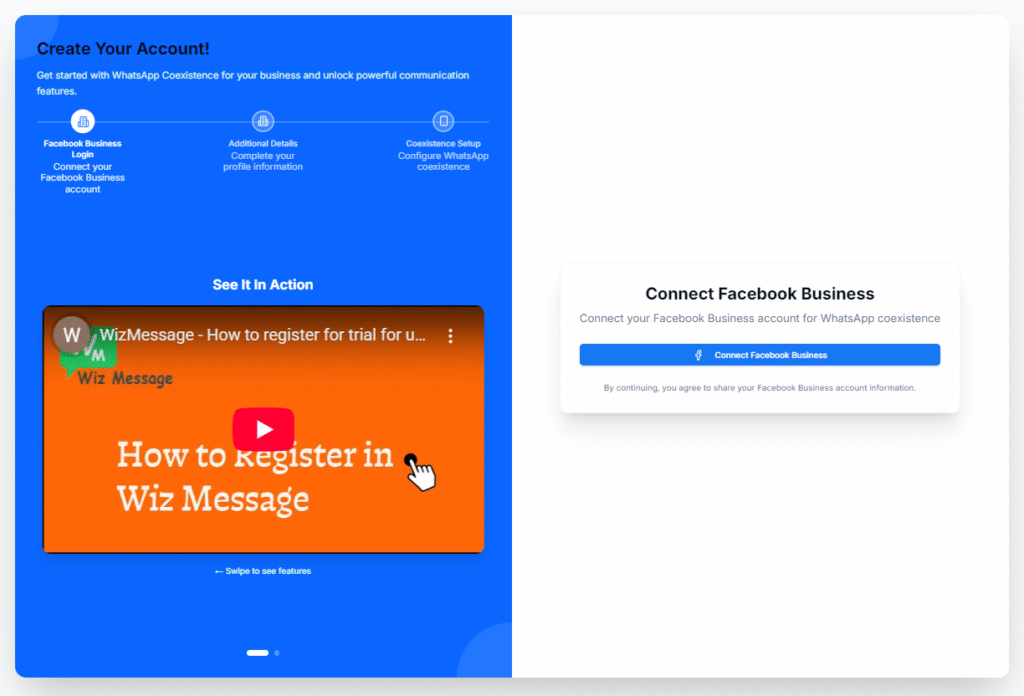
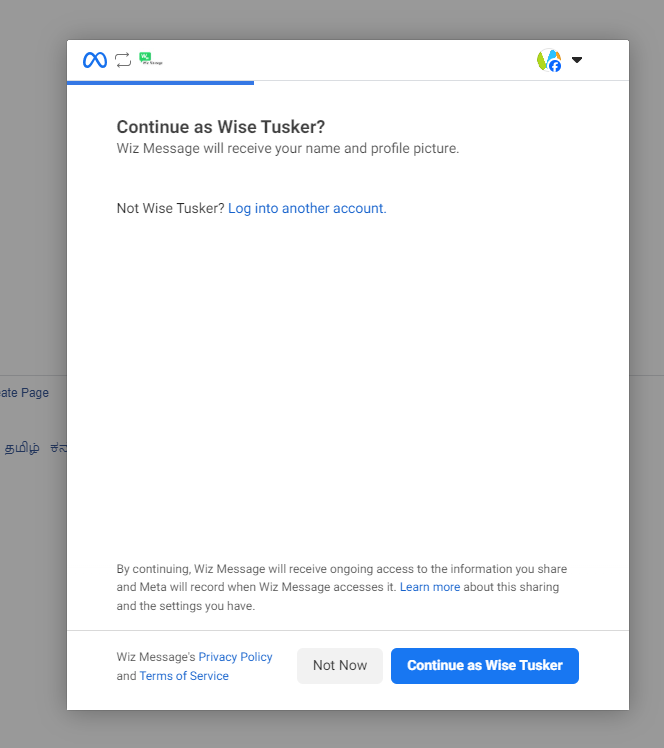
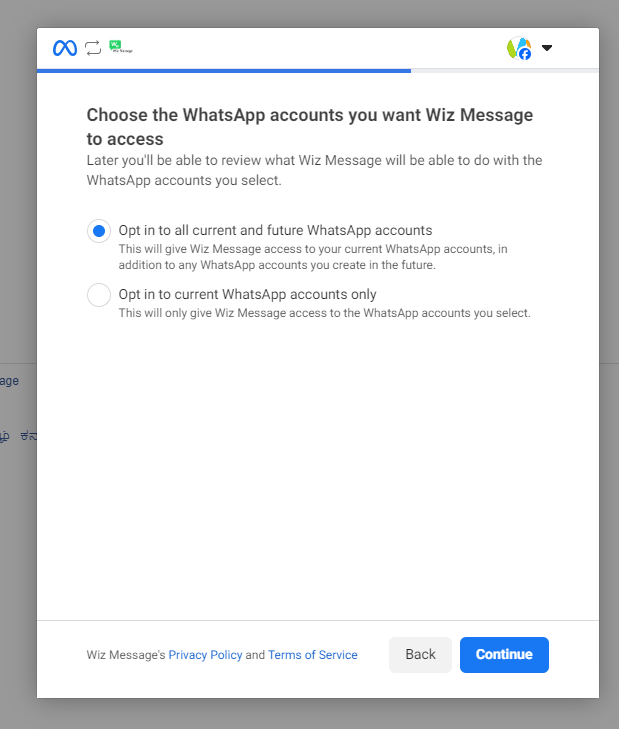
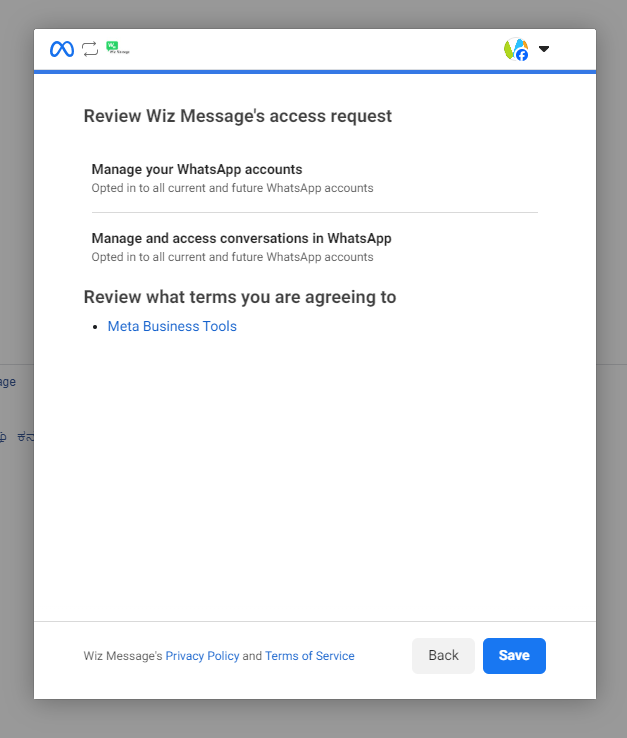
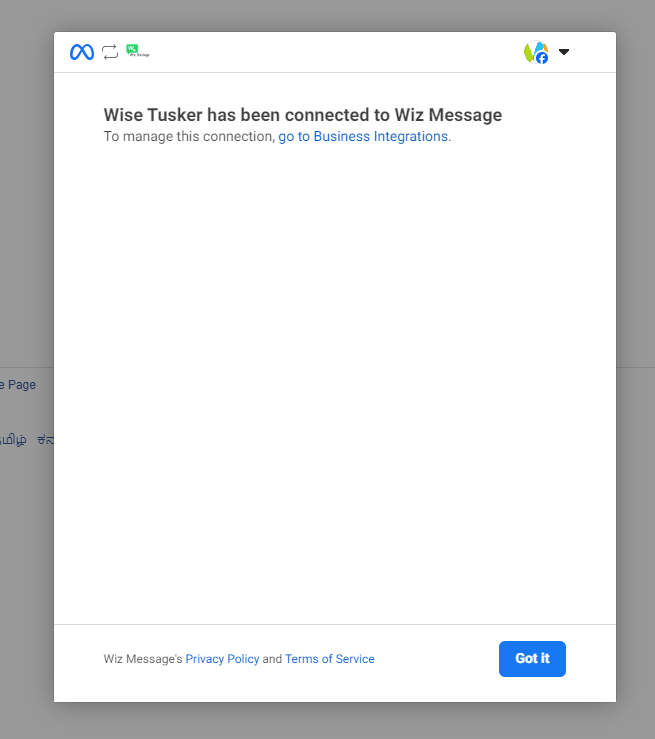
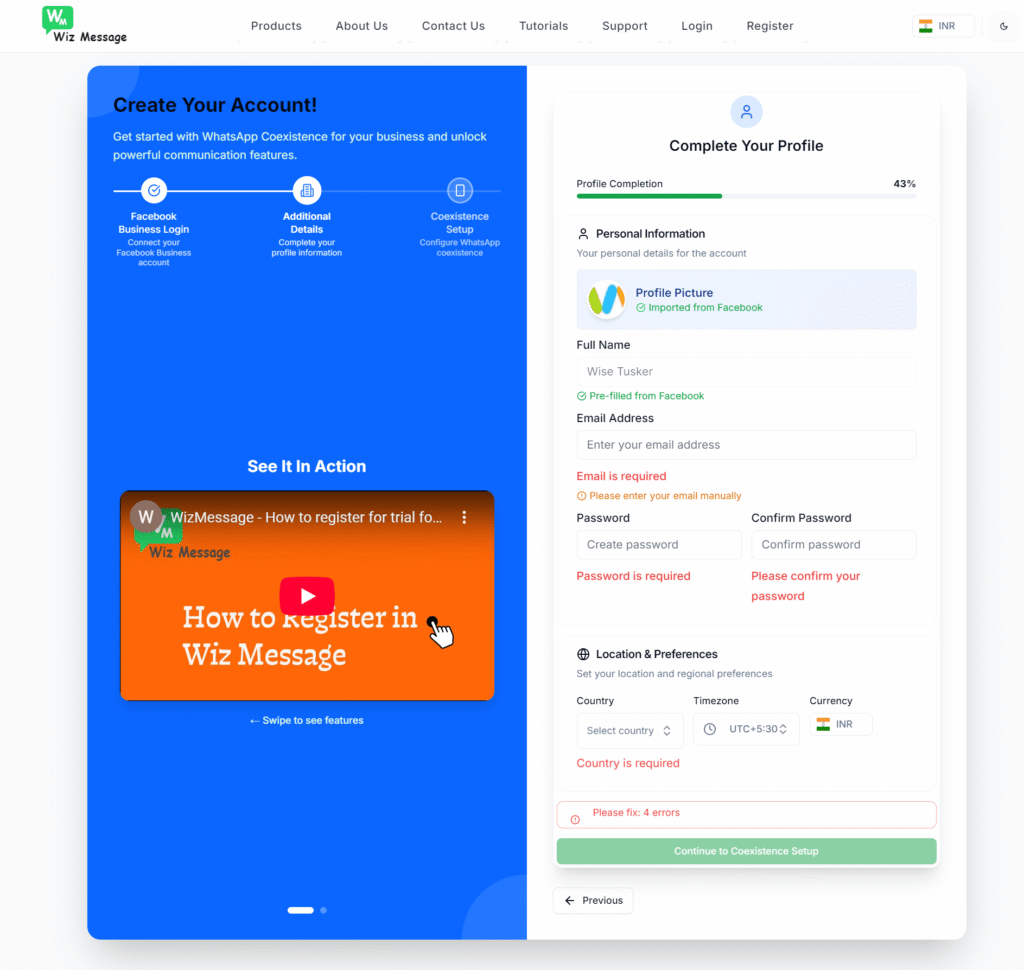
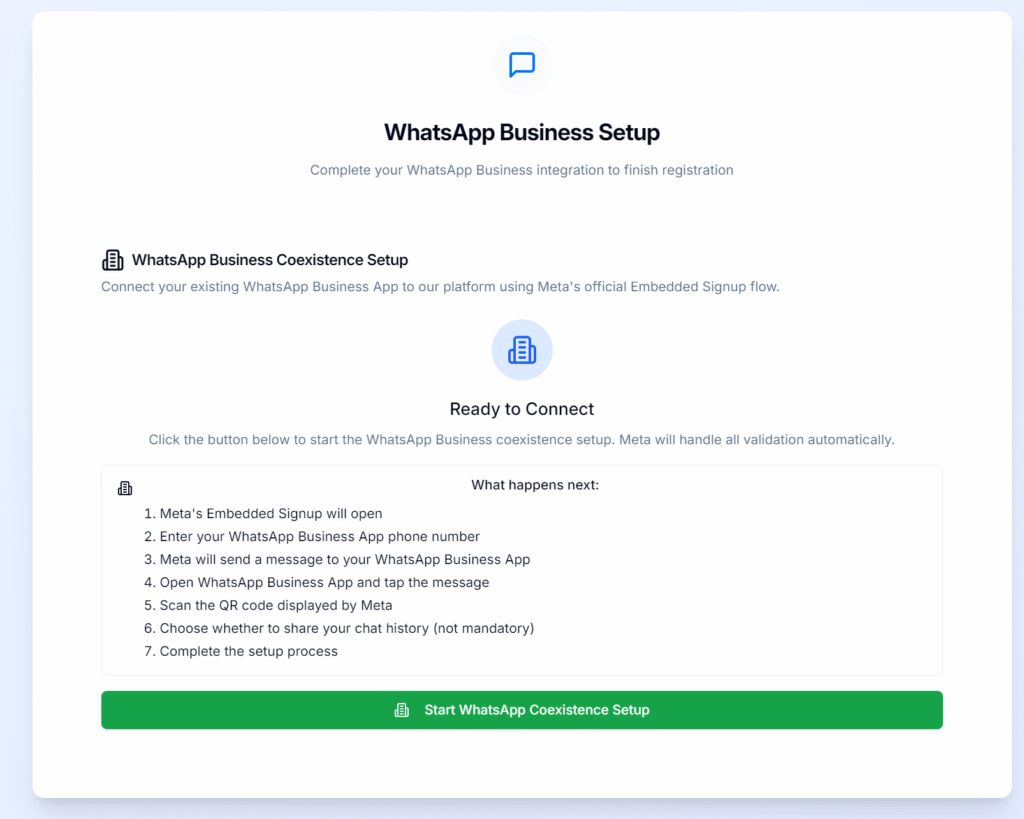
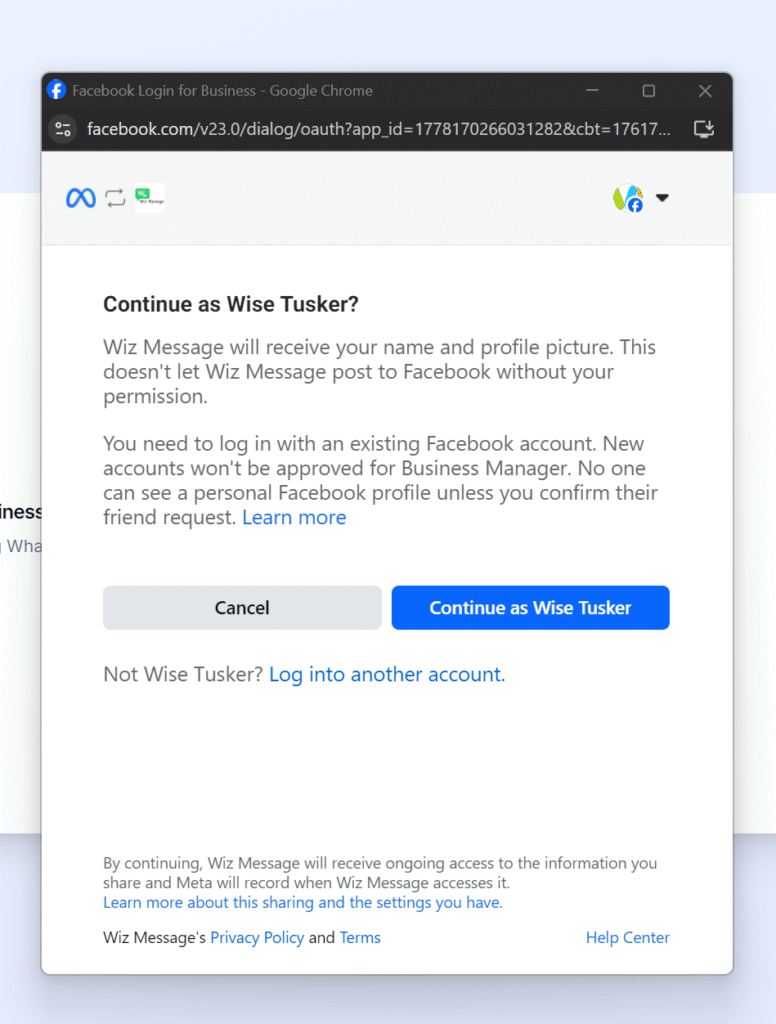
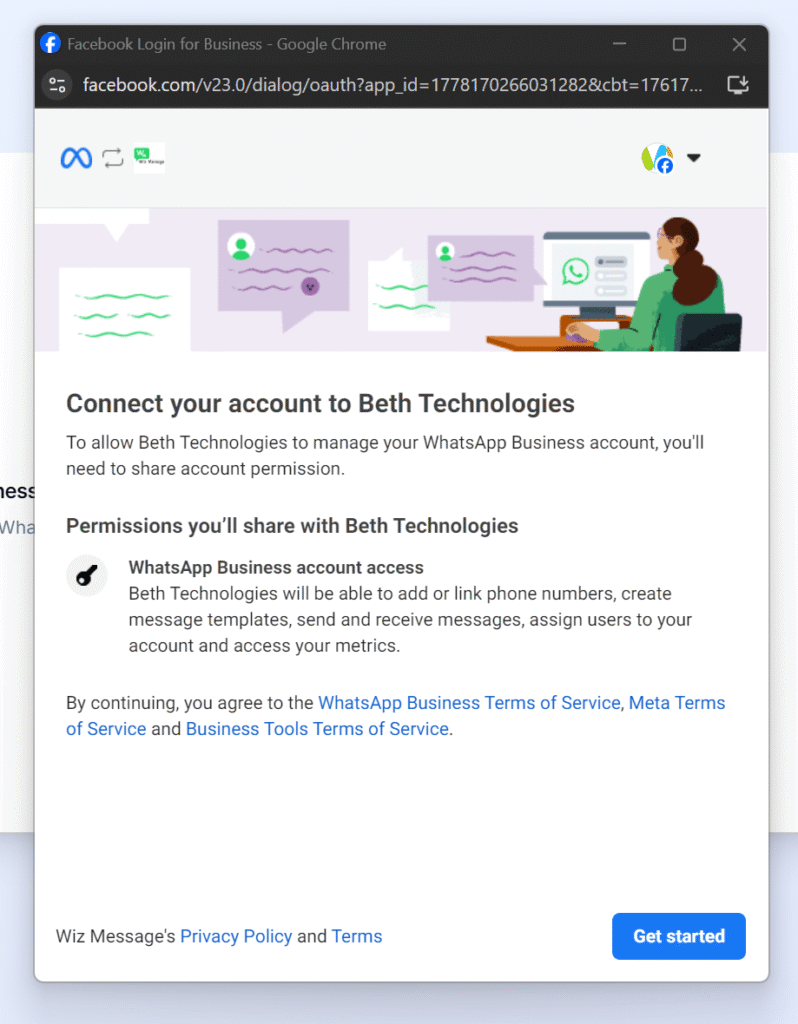
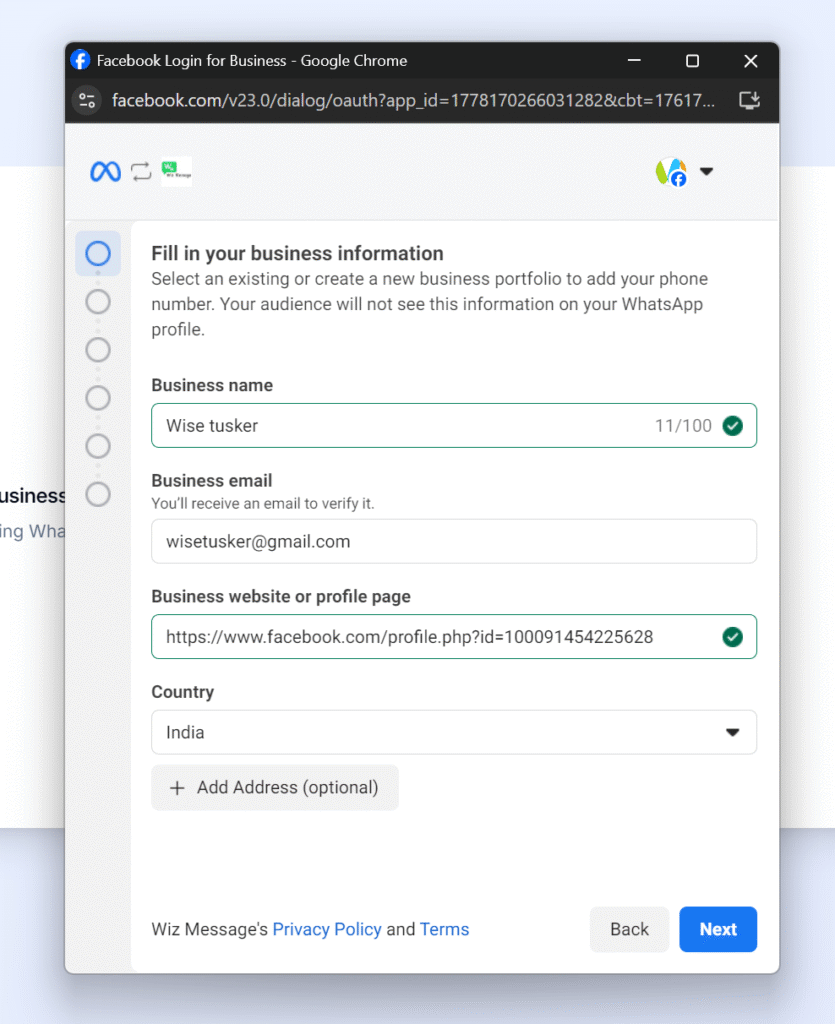
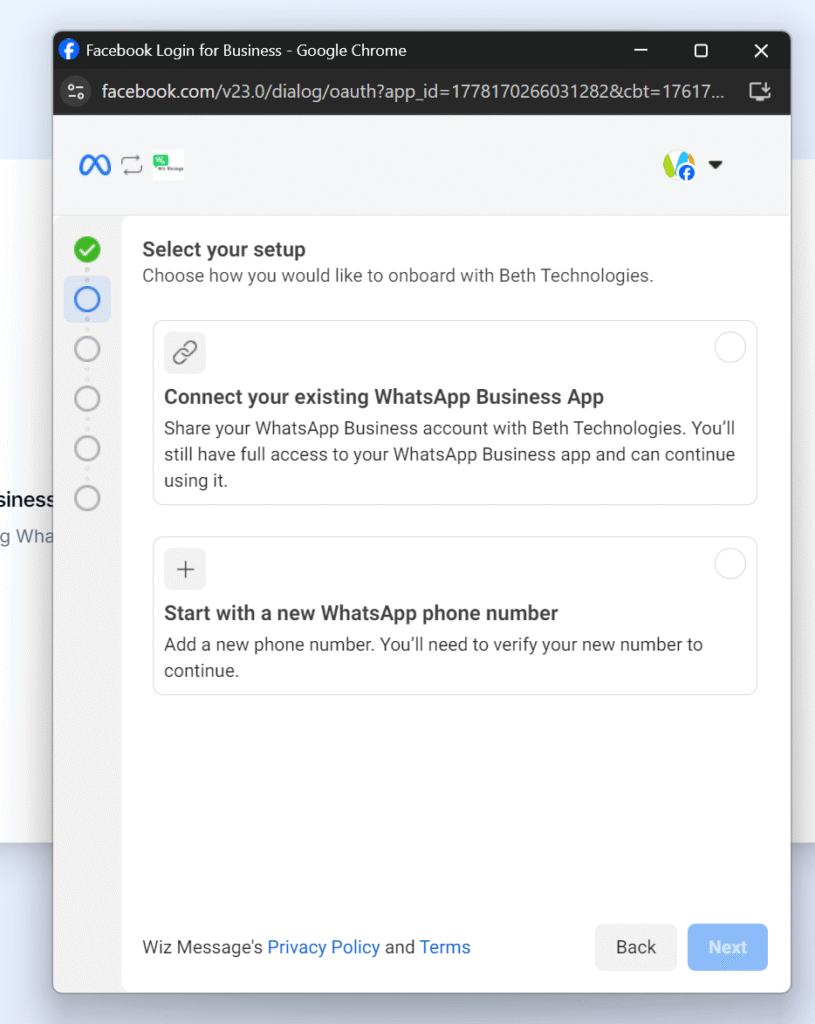
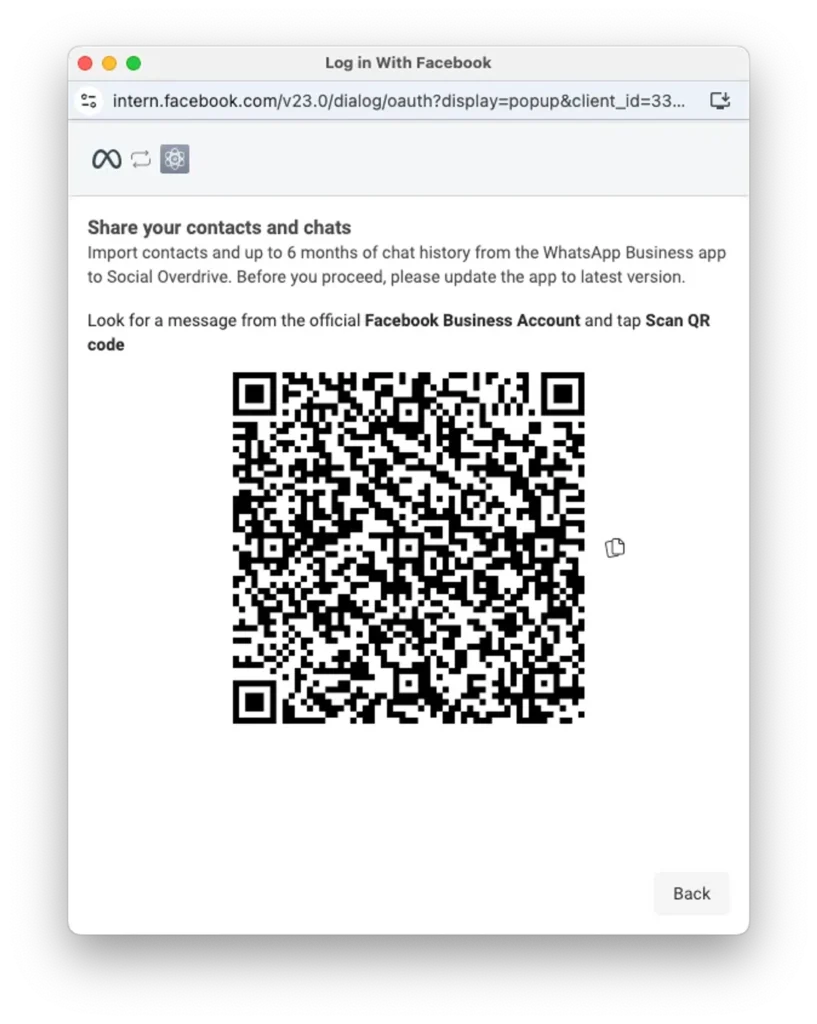
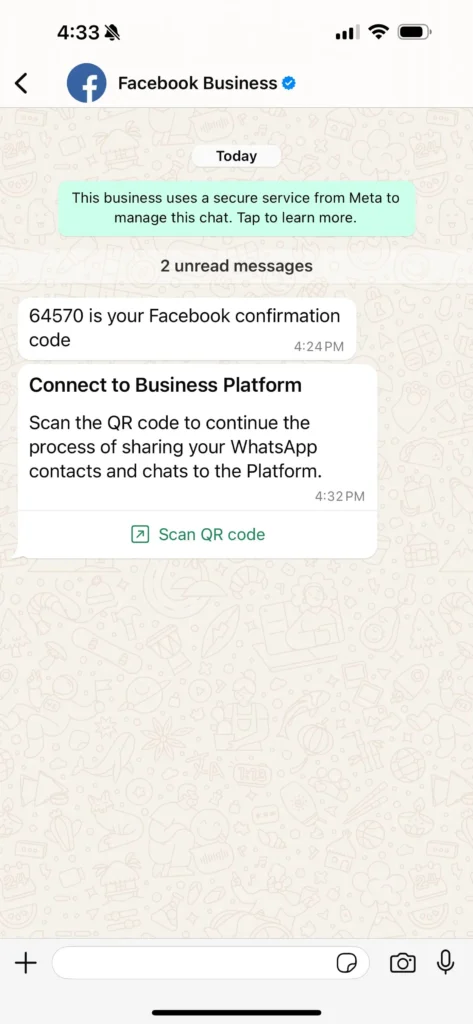
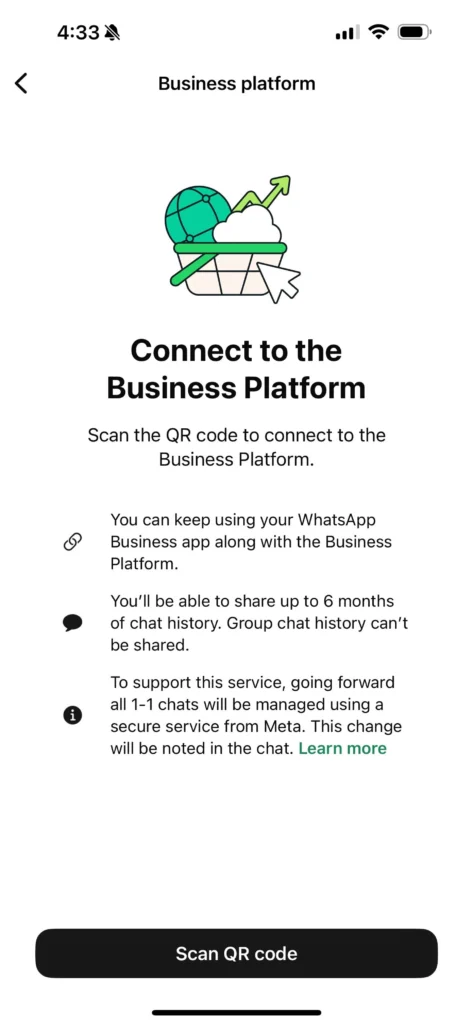
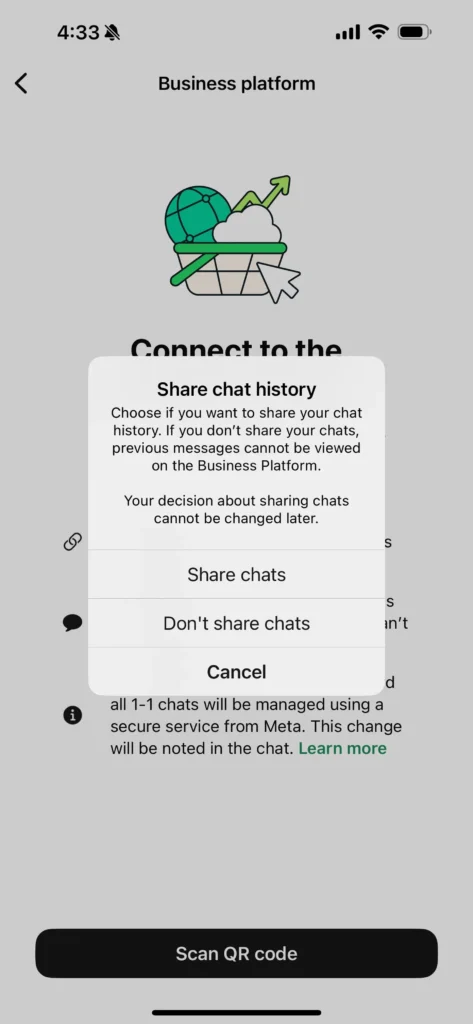
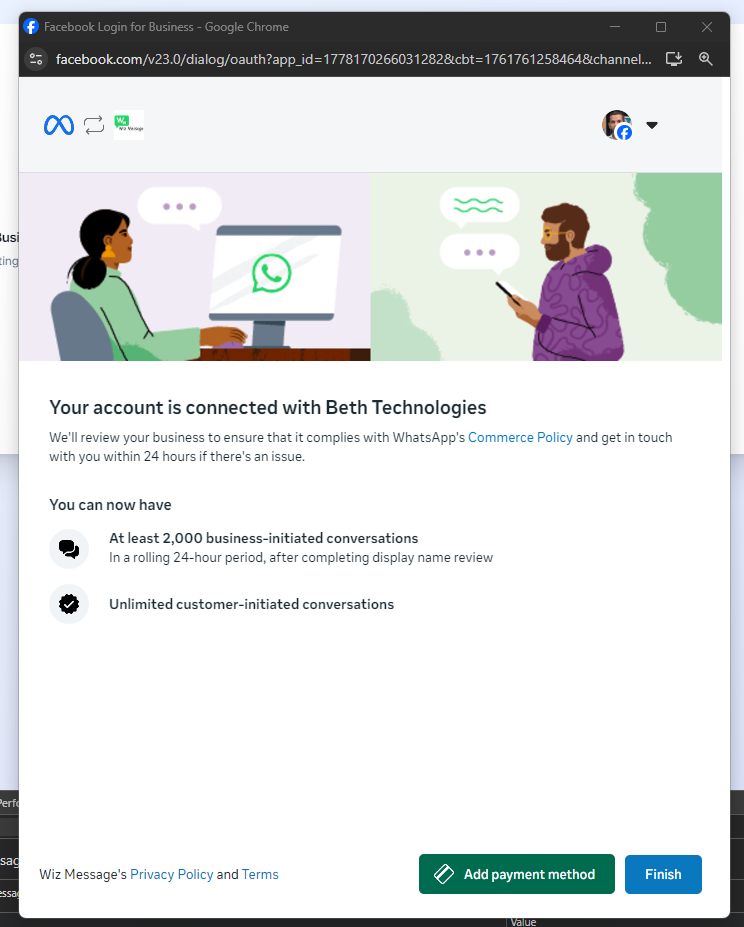
2. Click on Connect Facbook Business button in register link https://wizmessage.com/register3.You will get the prompt from facebook that wiz message will receive your name and profile picture. Click Continue as {your facebook name}4.You are asked to choose the WhatsApp accounts you want Wiz Message to access, Opt in to all current and future WhatsApp accounts, otherwise you cannot connect your WhatsApp number. Click Continue5. Review screen- just click save6. You will get the info –{Your Facebook} has been connected to Wiz Message, click on Got it7.Enter your email id , password , country , currency , timezone , after entering click on Continue to co-existence setup8. Now you will get another confirmation screen, click on Start WhatsApp Co-existence Setup9. Click on Continue as {Your Facebook}10. click on Get Started11. Fill out your business info: business portfolio, name, website and country., click Next12.Select the option to connect your existing WhatsApp Business number.13.After you enter your WhatsApp number, you’ll see a QR code on your screen.14.Check your WhatsApp for a message from Facebook Business and tap on Scan QR code.15.Confirm your choice by tapping Scan QR code.16.There is no need to share the chat history, since you can access your chats in your old app or WhatsApp web. after this screen click on done
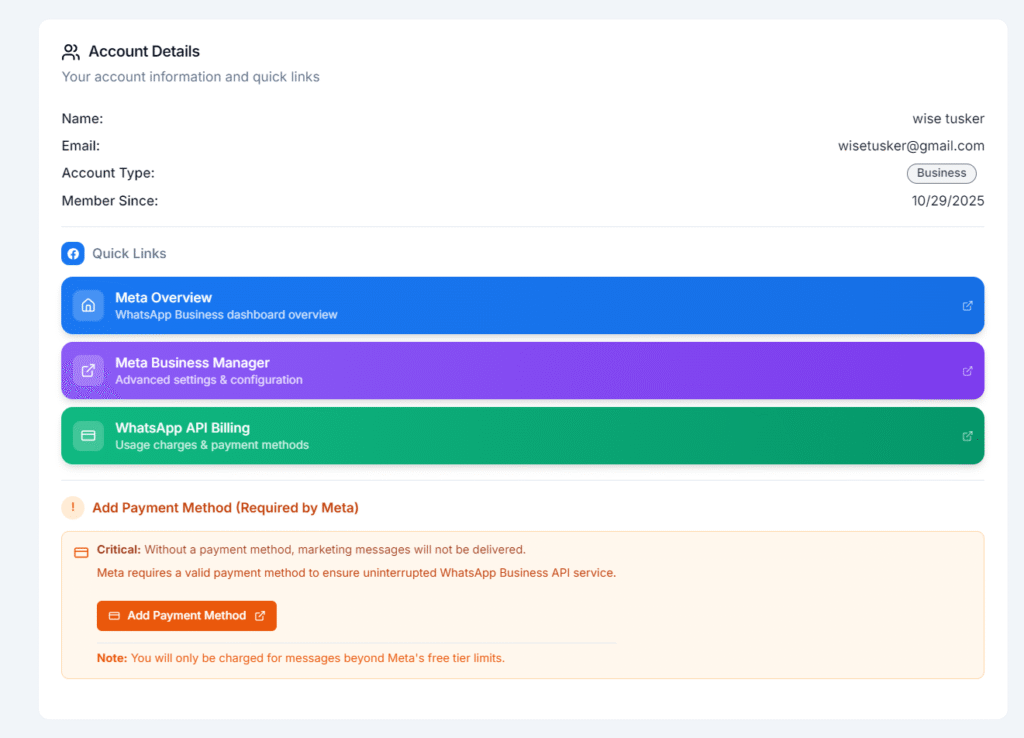
17.If you are using our service for bulk message, you need to add the payment methods, otherwise promotional messages fail. But if you are using our chatbot facility, no need of adding payment since its free.
WhatsApp number will continue to work as before. And will also be connected to Wiz Message where you can access all the features for sending Bulk Messages , the AI tools and other features.
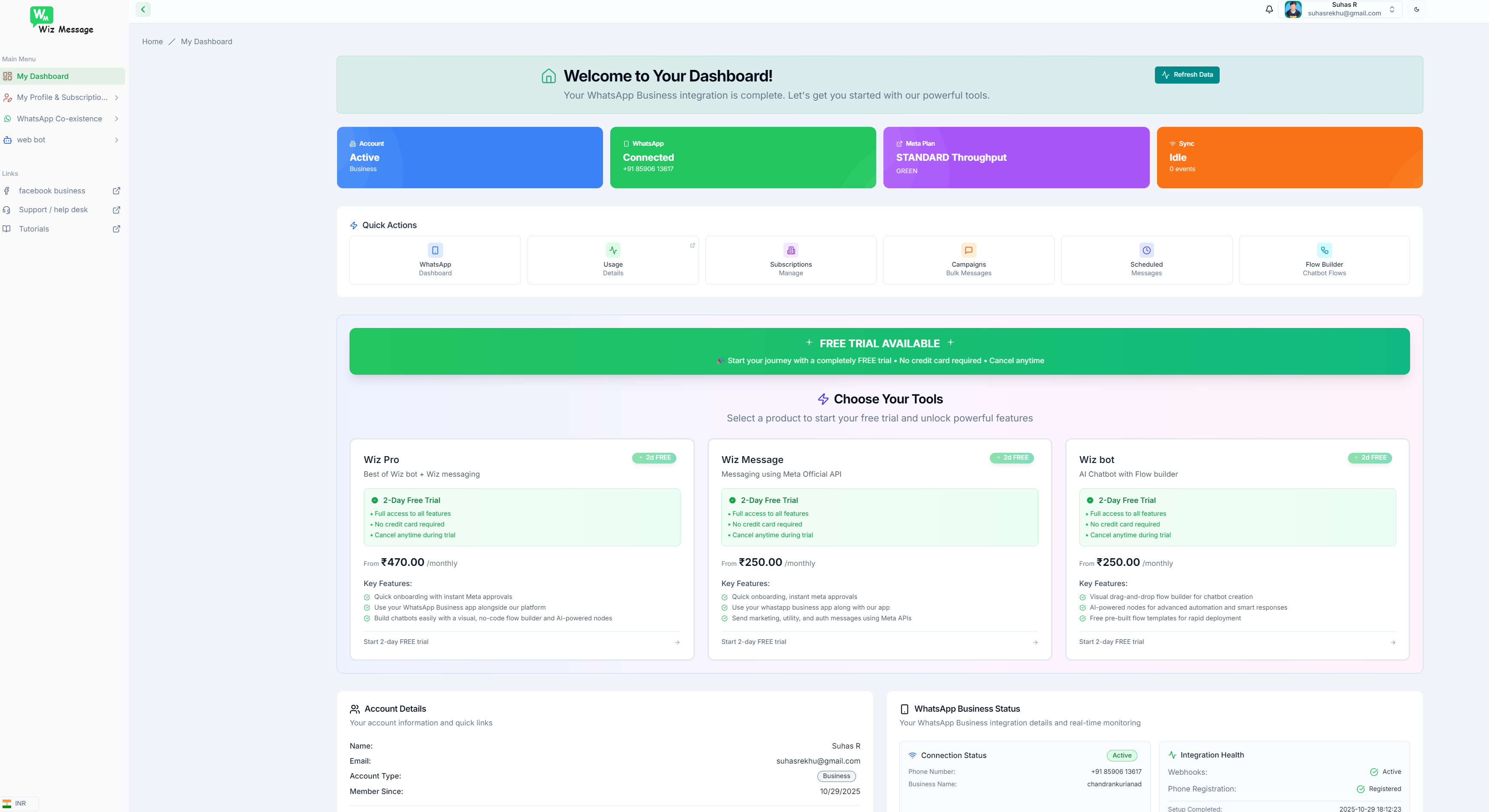
18. You will be directly logged in to your dashboard. You can select your product and can start the trial or start using the product.
19.If you didn’t add the payment details to your facebook , you can later click it from your dashboard. For some countries, you need to add the GST/VAT details as per the facebook , otherwise bulk messages/promotional messages will fail